
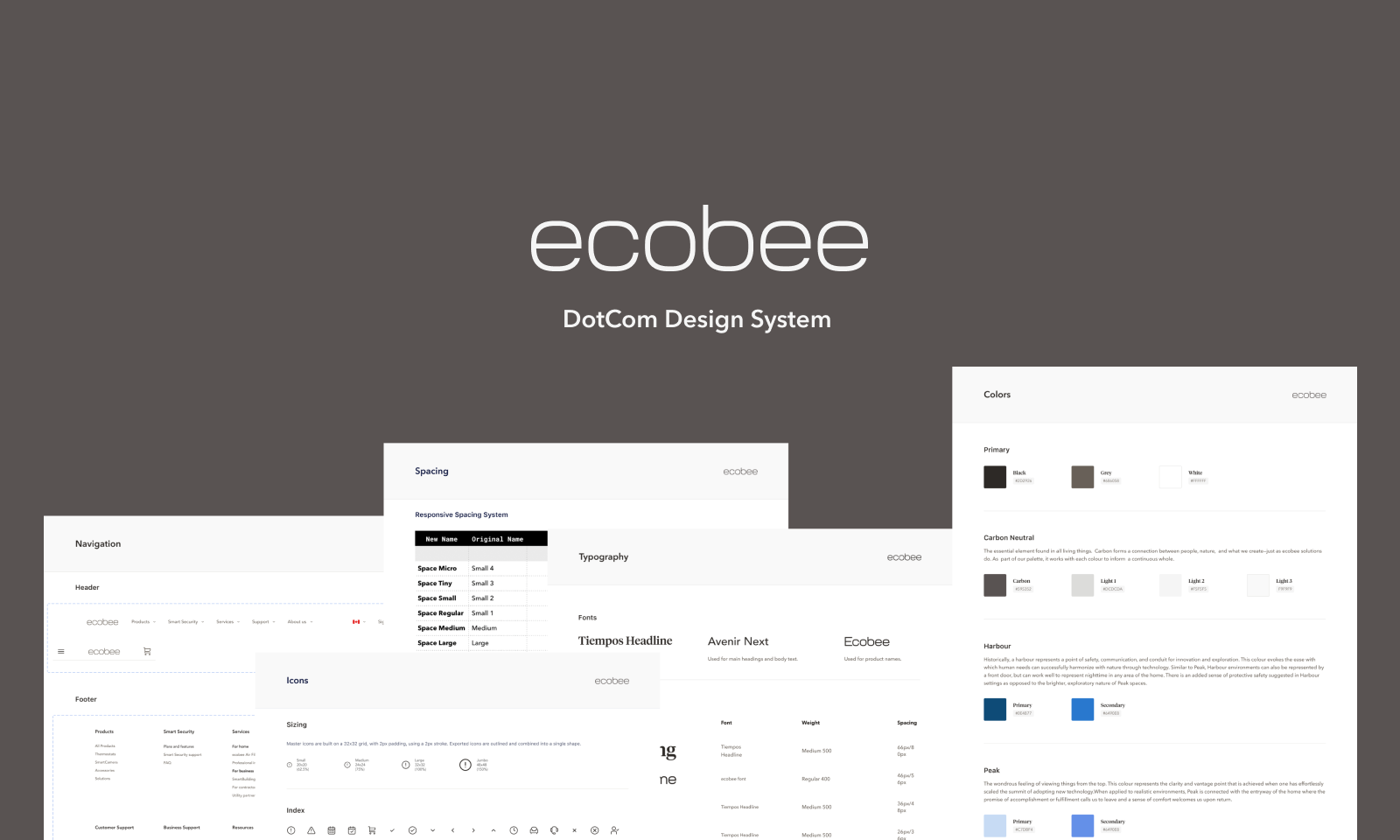
Rebuilding and scaling ecobee's design system
TLDR: ecobee's web design team was moving from Sketch to Figma and needed a new design system built from scratch. I audited every component across three separate sources, built a Figma library of responsive components and variables, then taught the team how to use it.
Before building anything new, I needed to know what already existed, and where it lived.
Components were spread across three places that didn't always agree: the CMS (Contentful), the codebase, and the website designs in Figma. With the move from Sketch to Figma there was nothing to pull from, so the new library had to start from what was actually live.
ecobee was a large organization. The web library was one of several, and it had to work alongside the teams around it.
Audit, structure, buy-in, build, teach. Then keep it moving with every release.
The Figma library was the starting point. The goal was a real design system, where design and code used the same parts.
With the library in place, we could finally see every gap between design and what was live. I used it to educate the engineering roadmap, so that they had the knowledge of what made sense to chip away on.
Alongside that, I made sure our tokens and semantic naming lined up across Figma and code, so a name in the library meant the same thing in production.
| Token | Was | Mobile | Desktop |
|---|---|---|---|
| Space Micro | 8 | 8 | |
| Space Tiny | 16 | 16 | |
| Space Small | 24 | 24 | |
| Space Regular | 32 | 40 | |
| Space Medium | 48 | 64 | |
| Space Large | 64 | 96 | |
| Space Jumbo | 88 | 144 |
 All Products
 Thermostats
 SmartCamera
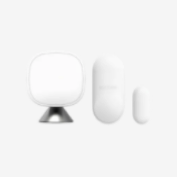 Accessories
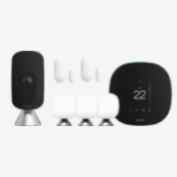 Solutions
 Sales & RefurbishedProduct name$289.99$XX in bundle savings*Product name$289.99$XX in bundle savings*Product name$289.99$XX in bundle savings*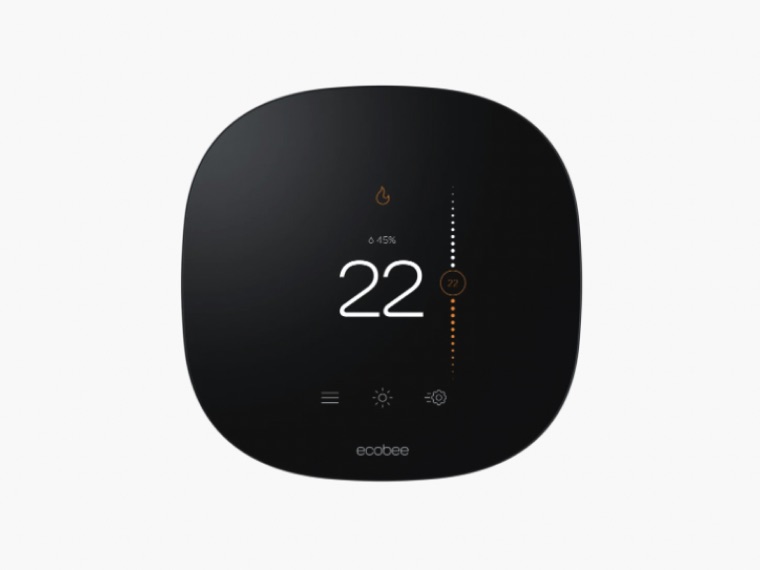


I mentored the other designers on Figma components, variables, and themes.
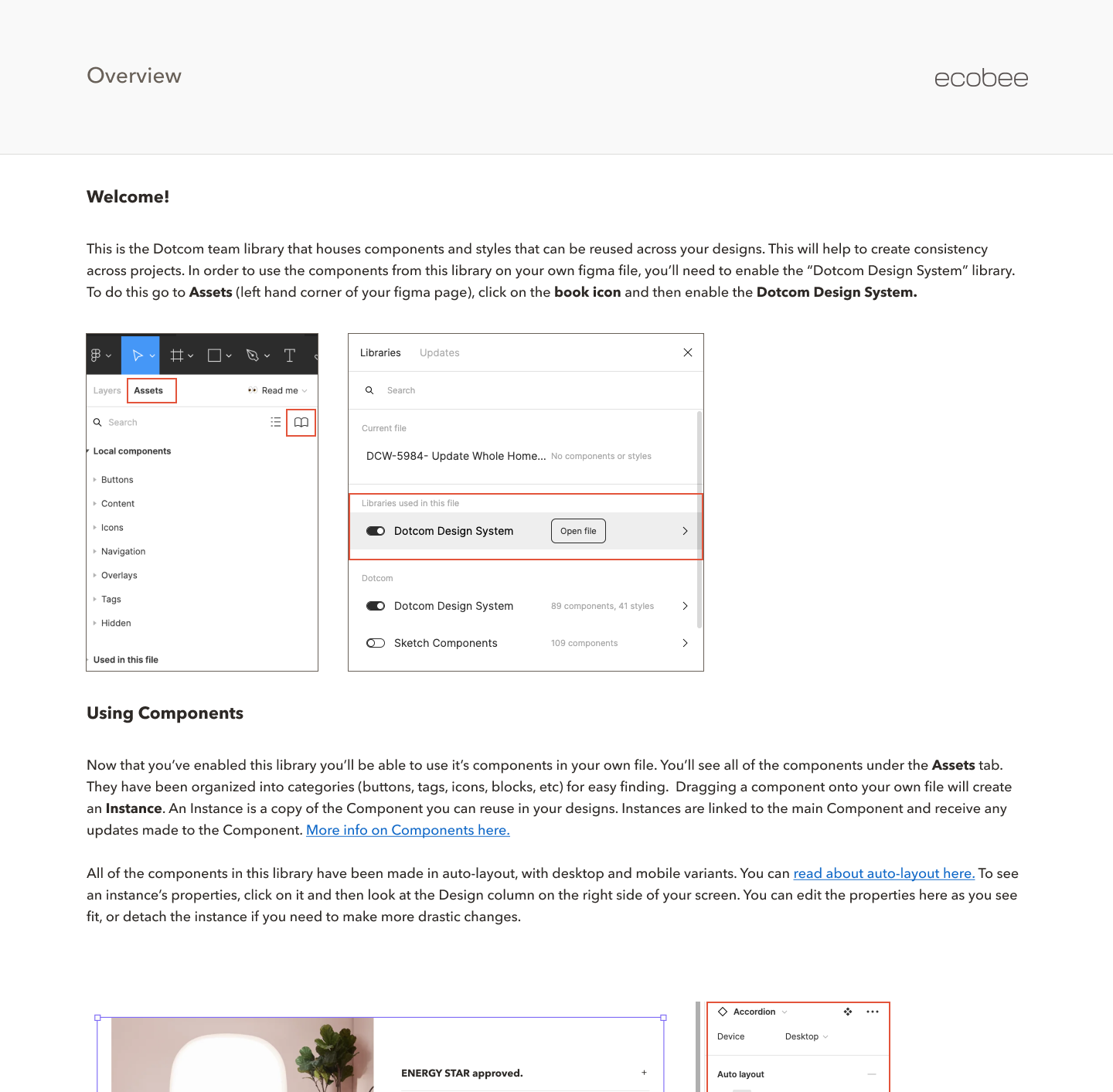
I also built the library with documentation and a structure that scales. A Read me page inside the file became a lasting artifact, so the team could keep learning and using the library without needing a walkthrough from me.
A faster design team, a site that matched its designs, and a system built to keep growing.
- One library for every designerA shared Figma library the whole team used, so new work started from components instead of from scratch. It made our work far more efficient.
- Three systems in syncFigma, Contentful, and the codebase finally talked to each other, so designs matched what shipped. Less time in QA and fewer visual inaccuracies.
- Foundations that could evolveTokens, naming, and structure that held up as the system kept growing with every release.
- Stronger partnershipsRelationships with leaders across marketing creative, engineering, and the app's design system team, so everyone knew who to reach out to and our areas worked together.
What I learned: a design system is a living artifact. It needs a structure that scales, updates with every release, and documentation that makes things easy to find. Otherwise people go back to building from scratch.